Welcome
This is the documentation for SWAT+ Toolbox 4.0.1. Download SWAT+ Toolbox or join the Google Group to ask questions.
About SWAT+ Toolbox
SWAT+ Toolbox is a free desktop program for building, calibrating and analysing SWAT+ models. You can use it to run the model, set up parameters and observations, run sensitivity analysis, calibrate manually or automatically, edit management, check model outputs and export reports, time series and maps.
From version 4.0, SWAT+ Toolbox runs on Windows, Linux and macOS. The program was rebuilt for this, and the interface and the project format changed with it. Projects made with version 3.x do not open in 4.0.1 (see Opening a Project).
The program checks for updates when it starts and can update itself. See Getting Updates.
Home page
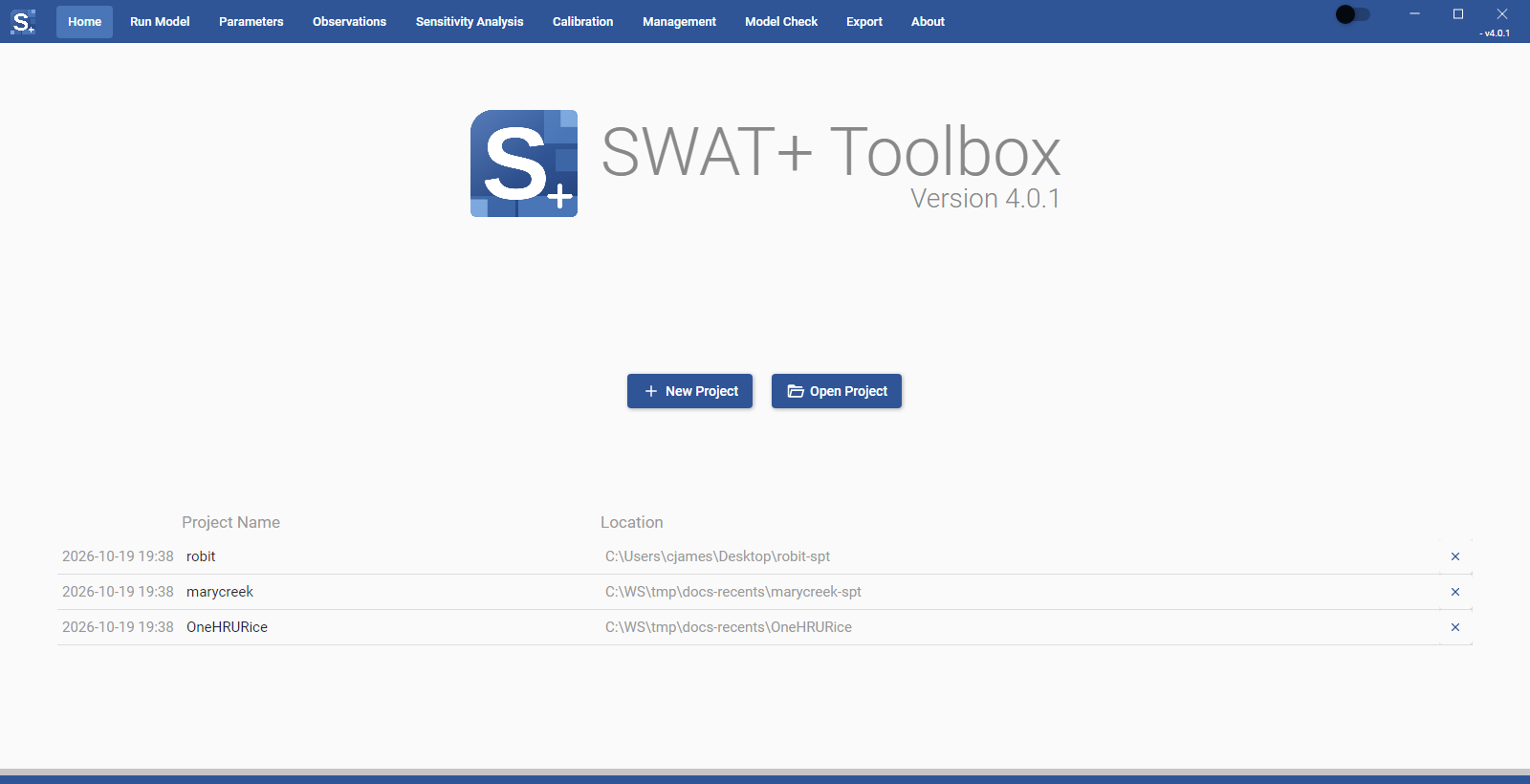
The Home page is the first page you see. It shows:
- the program name and the version you are running
- the New Project and Open Project buttons
- the recent projects list, with the date each project was last changed, its Project Name and its Location
- under Current Project, the name and TxtInOut path of the project that is open
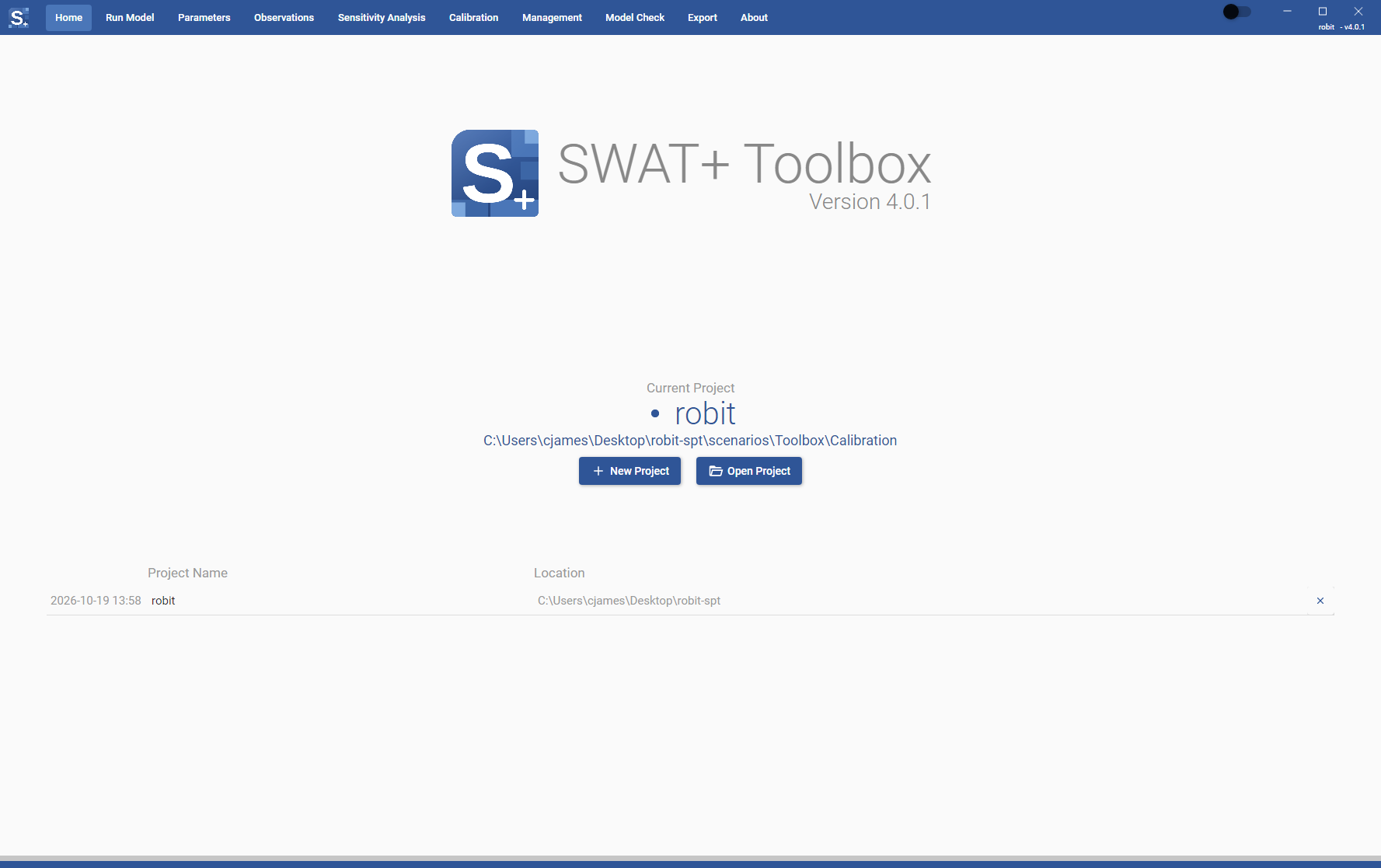
Click a row in the recent projects list to open that project. You are asked to confirm, and told which project will close. Click the x at the end of a row to remove it from the list; the project itself is not deleted. You cannot remove the project that is open.
While a project is loading, the page shows "Loading Project..." and the buttons are disabled. While a model run, sensitivity analysis or calibration is going, you cannot open or create a project. Stop it or wait for it to finish first.
The navigation bar at the top takes you to the other sections: Run Model, Parameters, Observations, Sensitivity Analysis, Calibration, Management, Model Check, Export and About. The switch next to the window buttons turns dark mode on and off.
macOS menu bar
On macOS the menu bar has the same actions: File > New Project… (Cmd+N), File > Open Project… (Cmd+O) and File > Open Recent. File > Reveal Project Folder in Finder and Reveal TxtInOut in Finder open those folders. Run > Run SWAT+ (Cmd+R) starts a model run and Run > Stop SWAT+ (Cmd+.) stops it. View > Toggle Theme (Cmd+T) switches between light and dark, and Help > Report Issue on GitHub… opens the issue tracker.
Getting help
If you cannot find what you need here, post your question in the SWAT+ Toolbox Google Group.
For feedback and bug reports: celray.chawanda@tamu.edu