Creating a New Project
A SWAT+ Toolbox project is made from a SWAT+ model that SWAT+ Editor has written. You can start from either:
- the model's TxtInOut folder, or
- the SWAT+ Editor project database (
.sqliteor.db).
SWAT+ Toolbox copies the model into the new project, so your original TxtInOut folder is not changed by anything you do in SWAT+ Toolbox.
Supported models
SWAT+ Toolbox 4.0.1 needs a model written by SWAT+ Editor revision 62 or newer. For an older model it shows "This SWAT+ model was written by an older SWAT+ Editor (before revision 62) and is not supported." Open the model in a current SWAT+ Editor, write the model files again, and try again.
From a TxtInOut folder
- On the Home page, click New Project.
- In Choose a TxtInOut Directory, select the model's TxtInOut folder. It must contain
file.cio; if it does not, SWAT+ Toolbox shows "The selected directory does not contain valid SWAT+ input files (file.cio not found)." - In Enter Project Name, type a name for the project and click Save.
- In Set Project Destination Directory, select the folder where the project should be created.
SWAT+ Toolbox creates a folder named <project name>-spt in the destination, copies the model into it and opens the new project. The project is added to the recent projects list and shown under Current Project on the Home page.
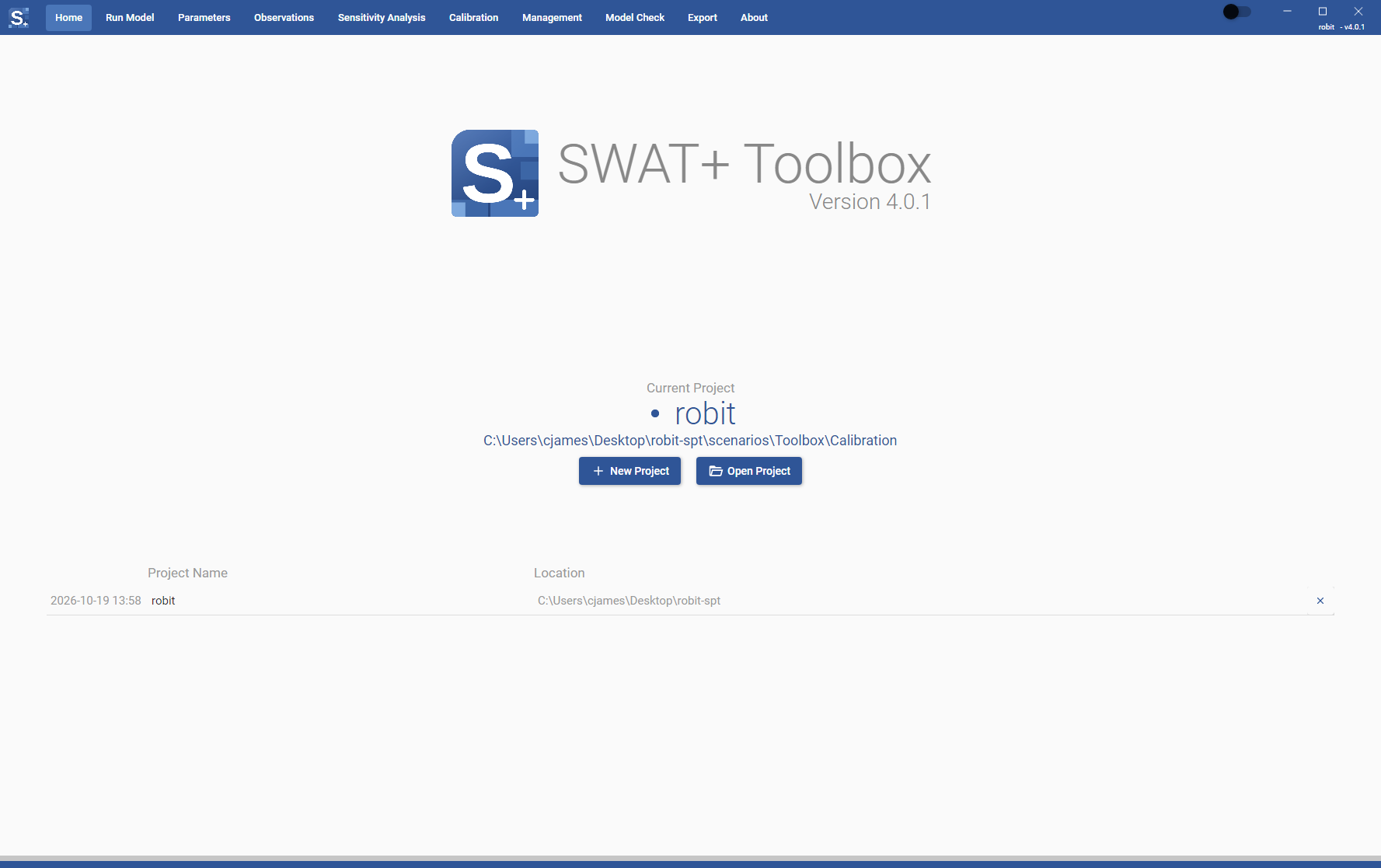
If the model is part of a QSWAT+ project, its GIS files are copied into the project as well. See Project Structure.
From a SWAT+ Editor database
- On the Home page, click Open Project.
- In the file picker, change the file type to SWAT+ Editor Database (*.sqlite, *.db) and select the database of your SWAT+ Editor project.
- In Enter Project Name, check the name and click Save. The name is filled in from the folder that contains the database, and you can change it.
- In Set Project Destination Directory, select the folder where the project should be created.
SWAT+ Toolbox reads the model from Scenarios/Default/TxtInOut next to the database, so write the model files in SWAT+ Editor at least once before you do this.
SWAT+ Toolbox remembers which project was made from which database. The next time you open the same database, it asks what to do with the project made from it. See Opening from a SWAT+ Editor database.
You can also open a database with "Open with" in your file manager and choose SWAT+ Toolbox.
From SWAT+ Editor
SWAT+ Editor has a button that opens the model in SWAT+ Toolbox. It becomes active once you have written the model files to TxtInOut at least once. The first time you use it for a model, SWAT+ Toolbox asks you to create a project from the database, as in the steps above. After that it offers the choices described in Opening from a SWAT+ Editor database.