Exporting Time Series
The Timeseries tab of the Export section extracts one simulated variable for one spatial object from the model output and saves it as a CSV file. Use it to analyse results in a spreadsheet, Python or R, or to compare with other models.
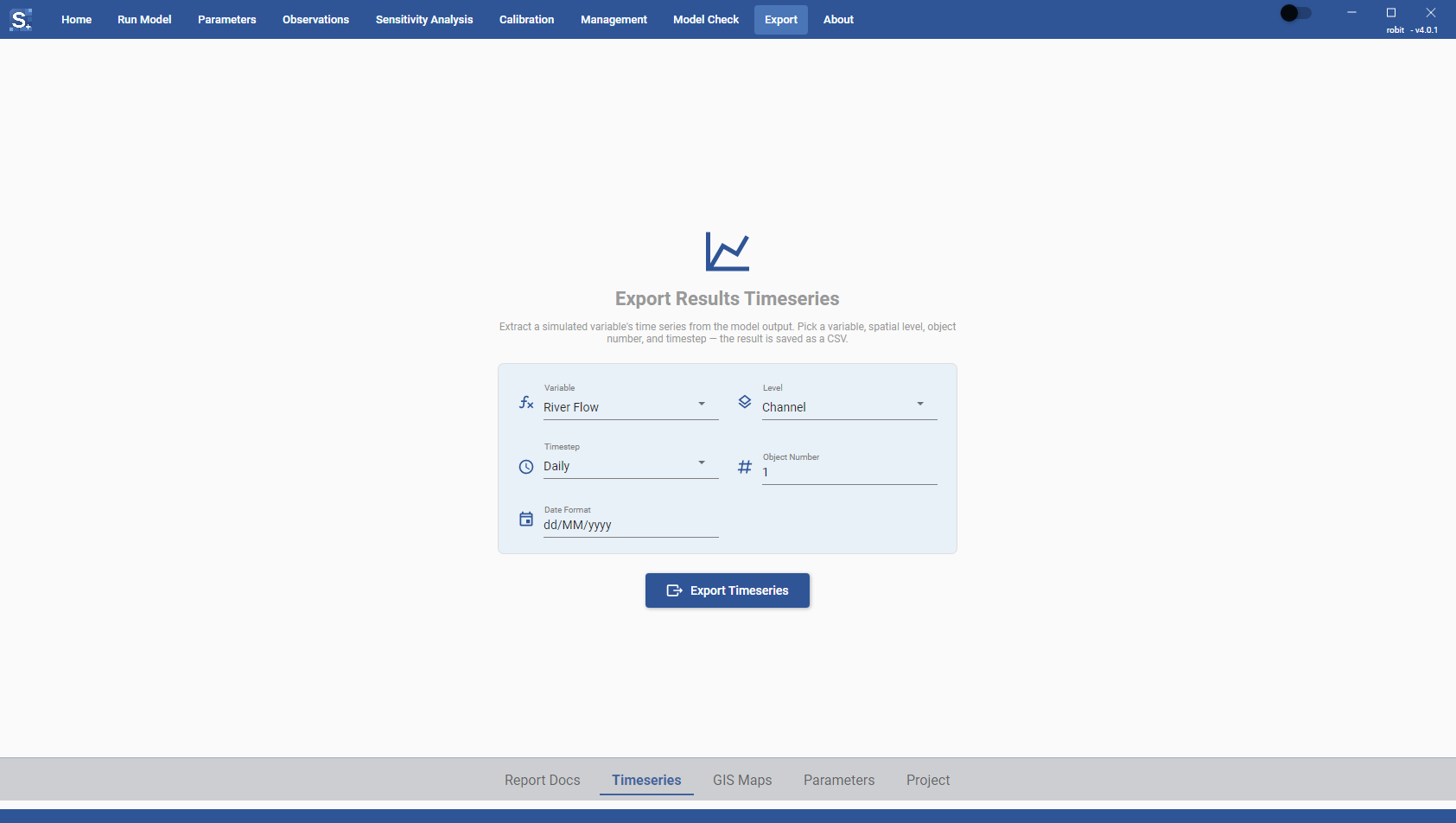
Settings
| Field | What to enter |
|---|---|
| Variable | The output variable, for example River Flow or Tile Flow. The list comes from the SWAT+ outputs the Toolbox can read. |
| Level | The spatial level of the variable, for example Channel or HRU. The list changes with the variable you pick. |
| Timestep | Sub Daily, Daily, Monthly, Yearly or Average. The default is Daily. |
| Object Number | The number of the object at that level, for example channel 1. The default is 1. |
| Date Format | How dates are written in the file. The default is dd/MM/yyyy. Other examples: yyyy-MM-dd, MM/yyyy, yyyy. |
Groundwater levels depend on the model. A gwflow model offers groundwater cells, and a model without gwflow offers the shallow aquifer. The Level list shows only the one that applies to your model.
The model has to have written the output you ask for. If a variable, level or timestep is missing from the output, turn it on under Print Object in the Run Model section (see Run Settings) and run the model again.
Exporting
- Pick the Variable, Level and Timestep, and type the Object Number.
- Click Export Timeseries. The button stays inactive until all four fields are filled and the object number is a whole number.
- When the extraction finishes, choose where to save the file. The suggested name is
<variable>_<level>_<object number>.csv.
The status line under the button says when the file is saved, or why the extraction failed.
File format
The CSV file has two columns, Date and Value. Values are written with four decimal places. A date the model has no value for is written with an empty value.