Exporting Projects
The Project tab of the Export section packs your SWAT+ Toolbox project into a single portable file with the extension .sptp. Use it for backup, to share a project with a collaborator, or to move it to another computer. The file works on Windows, Linux and macOS.
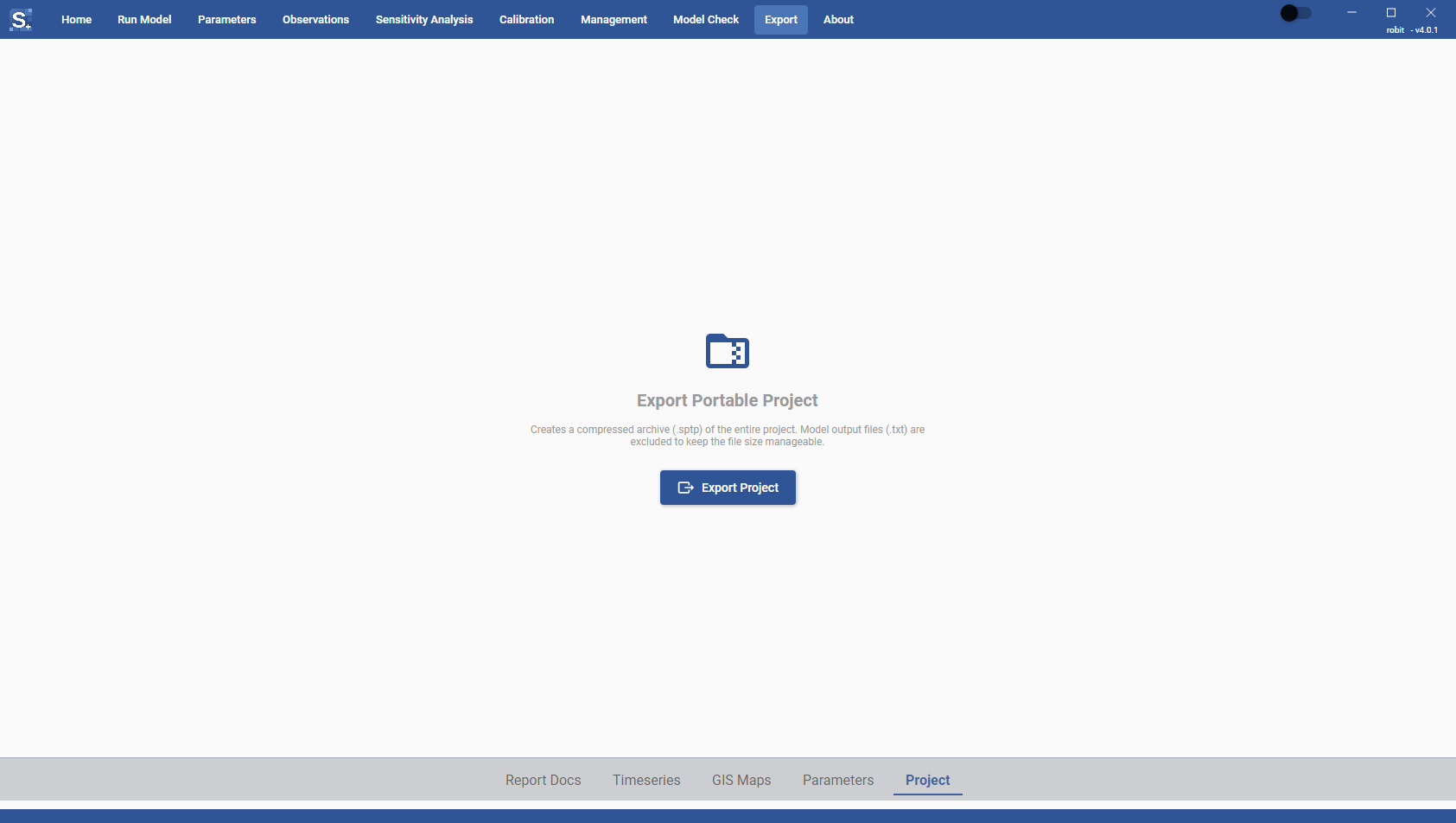
Contents of the archive
The .sptp file is a compressed archive of the project folder: the folder that contains the .spt project file, with everything under it. In a typical project that is the scenarios folder with the model inputs, gis.data with the GIS files, and spt.data with the Toolbox's calibration and sensitivity data.
Files ending in .txt and .tmp are left out. Model output files end in .txt, so leaving them out keeps the archive small. Run the model again after opening the project to get the outputs back.
.tmp is also the old extension for SWAT+ temperature input files (for example tmp1.tmp). Current SWAT+ models use the .tem extension for these files. If your model still has .tmp temperature files, update them to .tem before you export the project, so that they are included in the archive.
Exporting a project
- Open the Export section and click Project in the strip along the bottom.
- Click Export Project.
- Choose where to save the file. The suggested name is the project name.
The status line shows Compressing project files... and then the name of the saved file. If a file of that name already exists it is replaced.
Opening a portable project
On the Home page, open the .sptp file the same way you open a .spt project; the file picker accepts both. The Toolbox unpacks the archive into a folder with the same name, next to the .sptp file, and opens the project inside it. If a folder of that name already exists, you are asked to choose another location to unpack it. See Opening Projects.